Best Budget Laptops Under ₹40,000 for College Students (2026): Coding, Study & Projects

Aayush Kumar
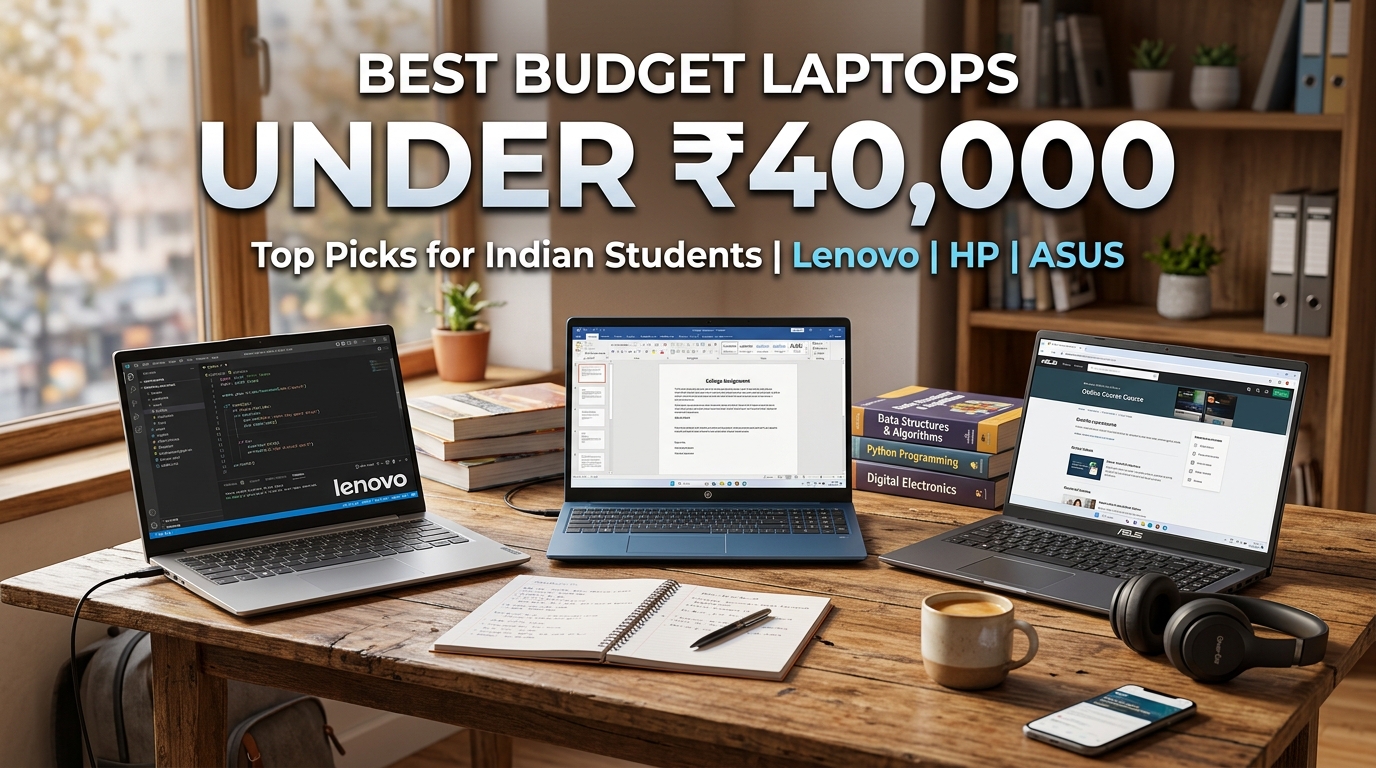
College ke pehle saal mein admission lene ke baad har student aur parent ke dimaag mein sabse bada sawal yahi hota hai: “₹35,000 se ₹40,000 ke budget mein ek aisa durable aur fast laptop kaun sa hai jo pure 3-4 saal bina slow huye chale?”
College life mein ek laptop par har tarah ka load padta hai — rozana college assignments aur PPT presentations banana, online semester lectures attend karna, Coding aur programming seekhna, aur weekend par movies ya casual gaming khelna.
Lekin is budget segment mein dukan wale aksar purane 4-5 saal purane processors (jaise Celeron ya 10th Gen Core i3) bech kar students ka nuksaan kar dete hain.
2026 mein agar aap ₹40,000 kharch kar rahe hain, toh aapko 16GB Fast LPDDR5/DDR4 RAM, 512GB Ultra-Fast NVMe SSD, Powerful 6-Core AMD Ryzen 5 / Intel 12th-13th Gen Chips aur Type-C Fast Charging milna bilkul possible hai!
Is unbiased buying guide mein humne benchmark scores, keyboard typing comfort, display quality aur real battery life test karke Top 4 Best Budget Laptops Under ₹40,000 ki list tayyar ki hai!
Quick Comparison Table — Best Laptops Under ₹40,000
| Laptop Model | Processor (CPU) | RAM & Storage | Display Size & Quality | Weight | Battery Life | Price (Approx) |
|---|---|---|---|---|---|---|
| Lenovo IdeaPad Slim 3 | AMD Ryzen 5 7520U / i3 13th Gen | 16GB LPDDR5 + 512GB SSD | 15.6” FHD Anti-Glare | 1.62 kg | ~6-7 Hours | ₹38,990 |
| Acer Aspire Lite | AMD Ryzen 5 5500U (6 Cores) | 16GB RAM + 512GB SSD | 15.6” FHD Slim Bezel | 1.59 kg | ~5-6 Hours | ₹35,990 |
| ASUS Vivobook 15 | Intel Core i3 12th/13th Gen | 8GB/16GB + 512GB SSD | 15.6” FHD 180° Hinge | 1.70 kg | ~5-6 Hours | ₹37,990 |
| HP 15s | AMD Ryzen 3 7320U / Core i3 | 8GB RAM + 512GB SSD | 15.6” Micro-Edge FHD | 1.69 kg | ~6-7 Hours | ₹38,490 |
1. Lenovo IdeaPad Slim 3 — Best Reliability & Student All-Rounder
Lenovo ke laptops student community mein apni Durable Build Quality aur Comfortable Keyboard ke liye jaane jaate hain. IdeaPad Slim 3 is segment ka sabse safe aur balanced purchase decision hai.
Why It’s Best for College:
- 16GB LPDDR5 High-Speed RAM: Is budget mein 16GB fast RAM milna bohot bada plus point hai. Chrome ke 20 tabs aur VS Code ek sath kholne par bhi laptop lag ya freeze nahi hota.
- Durable Ergonomic Keyboard: Assignments aur long coding sessions ke dauran typing feedback tactile aur silent rehta hai.
- Physical Privacy Camera Shutter: Webcam ke upar physical slider hai jisse online class khatam hone ke baad camera ko 100% privacy ke sath band kiya ja sakta hai.
- Rapid Charge Boost: Sirf 15 minute charging par 2 ghante ka backup mil jata hai.
Lenovo IdeaPad Slim 3 — 16GB RAM / 512GB SSD Laptop
* As an Amazon Associate, TechVerse earns from qualifying purchases.
2. Acer Aspire Lite — Unmatched 6-Core Performance Under ₹36,000
Agar aapka main focus Coding, Web Development, Programming aur Data Structures hai aur aapko is price mein maximum CPU power chahiye, toh Acer Aspire Lite ka koi tod nahi hai.
Performance Highlights:
- AMD Ryzen 5 5500U (6 Cores / 12 Threads): Jahan baaki sabhi laptops 4 cores dete hain, Acer 6 physical cores deta hai. Large code compilation aur multi-tasking ispar 40% tezi se execute hoti hai.
- Premium Metal Cover: Screen ke piche metallic lid finish hai jo isse premium look deta hai aur scratches se bachata hai.
- Expandable Architecture: RAM aur SSD dono easily upgrade kiye ja sakte hain.
- Affordable Price Tag: ₹35,000-₹36,000 mein aisi configuration milna absolute value for money hai.
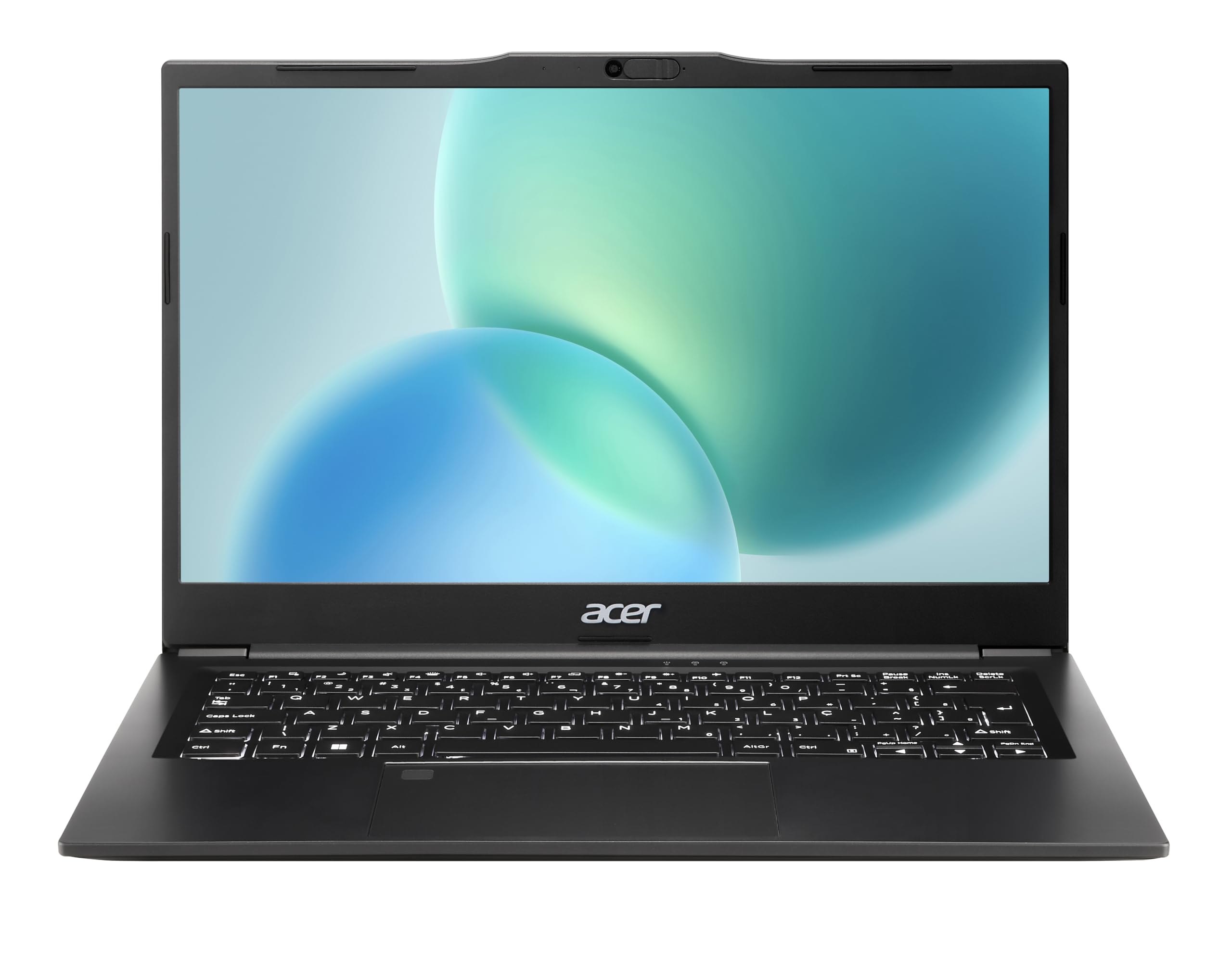
Acer Aspire Lite — 6-Core Ryzen 5 Laptop with Metal Cover
* As an Amazon Associate, TechVerse earns from qualifying purchases.
3. ASUS Vivobook 15 — Modern Sleek Design with 180° Lay-Flat Hinge
ASUS Vivobook series un students ke liye hai jo sleek modern aesthetic, stylish looks aur reliable Intel performance chahte hain.
Key Features:
- 180-Degree Lay-Flat Hinge: Screen ko bilkul table par flat bichha sakte hain jo group study aur doston ke sath project discuss karte waqt bohot convenient rehta hai.
- ASUS Antimicrobial Guard: Keyboard par silver-ion coating hoti hai jo bacteria growth ko 99% tak rokti hai.
- ErgoSense Keyboard: 1.4mm key travel bohot comfortable typing experience provide karta hai.
- Fingerprint Sensor: Windows Hello ke sath touch karte hi instant 1-second login.
ASUS Vivobook 15 — 180° Hinge Thin & Light Laptop
* As an Amazon Associate, TechVerse earns from qualifying purchases.
4. HP 15s — Brand Trust & Reliable Customer Support
Indian tier-2 aur tier-3 cities mein HP ke service centers har jagah available hote hain. Agar aapke parents ke liye brand security aur after-sales service number one priority hai, toh HP 15s sabse trustworthy option hai.
Highlights:
- Micro-Edge Bezel Display: Screen-to-body ratio 82% hai jisse display modern lagta hai.
- HP Fast Charge: 45 minutes mein 50% battery charge ho jati hai.
- Dual Array Digital Microphones: Online classes aur viva voice calling mein noise cancel karke awaz clear rakhta hai.
HP 15s — Reliable Daily College Workhorse
* As an Amazon Associate, TechVerse earns from qualifying purchases.
College Laptop Kharidte Waqt Ye 4 Baatein Zaroor Check Karein
1. SSD is 100% Mandatory (Never Buy HDD)
Agar kisi saste laptop mein “1TB Hard Disk” likha ho, toh use galti se bhi mat lijiye. HDD par Windows 11 itni slow chalti hai ki boot hone mein 3 minute lagte hain. Hamesha 512GB NVMe M.2 SSD wala model hi lein jo 10 seconds mein boot karta hai.
2. 16GB RAM vs 8GB RAM
Agar aapka budget ₹38,000-₹40,000 hai, toh pehli preference 16GB RAM wale model ko dein. Isse aapka laptop agle 4 saal bina kisi lag ke chalega.
3. Anti-Glare Display
College library aur classrooms mein tube lights aur khidkiyon ka reflection screen par aata hai. Hamesha Anti-Glare coating wala matte display chunein taaki aankhon mein dard na ho.
4. MS Office Genuine License
Check karein ki laptop ke sath Microsoft Office Home & Student (Lifetime Genuine License) pre-installed mil raha hai ya nahi. Isse aapko Word, Excel aur PowerPoint ke liye alag se paise nahi dene padenge.
Student Coding & Tech Guides on TechVerse
Laptop lene ke baad in student guides ka pura fayda uthayein:
- Web development seekhne ke liye: Web Development Roadmap for College Students 2026.
- Best VS Code tools: Top VS Code Extensions 2026.
- AI study tools: Google NotebookLM Complete Guide.
- Windows slow hone se bachane ke liye: Windows 11 Speed-Up 9 Practical Settings.
Final Verdict — Aapko Kaun Sa Laptop Lena Chahiye?
- 💻 16GB RAM & Reliability: Lenovo IdeaPad Slim 3 (Durable build, quiet keyboard aur balanced battery).
- ⚡ Best for Heavy Coding & Multi-tasking: Acer Aspire Lite (6-core AMD Ryzen 5 power under ₹36,000).
- 🎨 Best Design, Fingerprint & 180° Screen: ASUS Vivobook 15 (Ergonomic, modern aur lightweight).
- 🏢 Best Service Network & Brand Trust: HP 15s (Har shehar mein service available).
Aapka college course kaun sa hai (B.Tech, BCA, B.Com ya Arts)? Niche comments mein batayein, hum aapke course ke hisaab se best laptop variant recommend karenge!
Ye article kaisa laga? Share karein:
Apne doston ki madad karein useful tech jankari share karke!
TechVerse VIP Community
Har roz nayi tech tips, hidden AI tools aur discount deals ke liye judein!
Aayush Kumar
Aayush Kumar TechVerse ke Founder aur Lead Technical Editor hain. Woh technology, software development, AI tools aur consumer gadgets par research-based content publish karte hain.
Lekhak ka poora profile aur sabhi articles dekhein →Related Posts 🔍
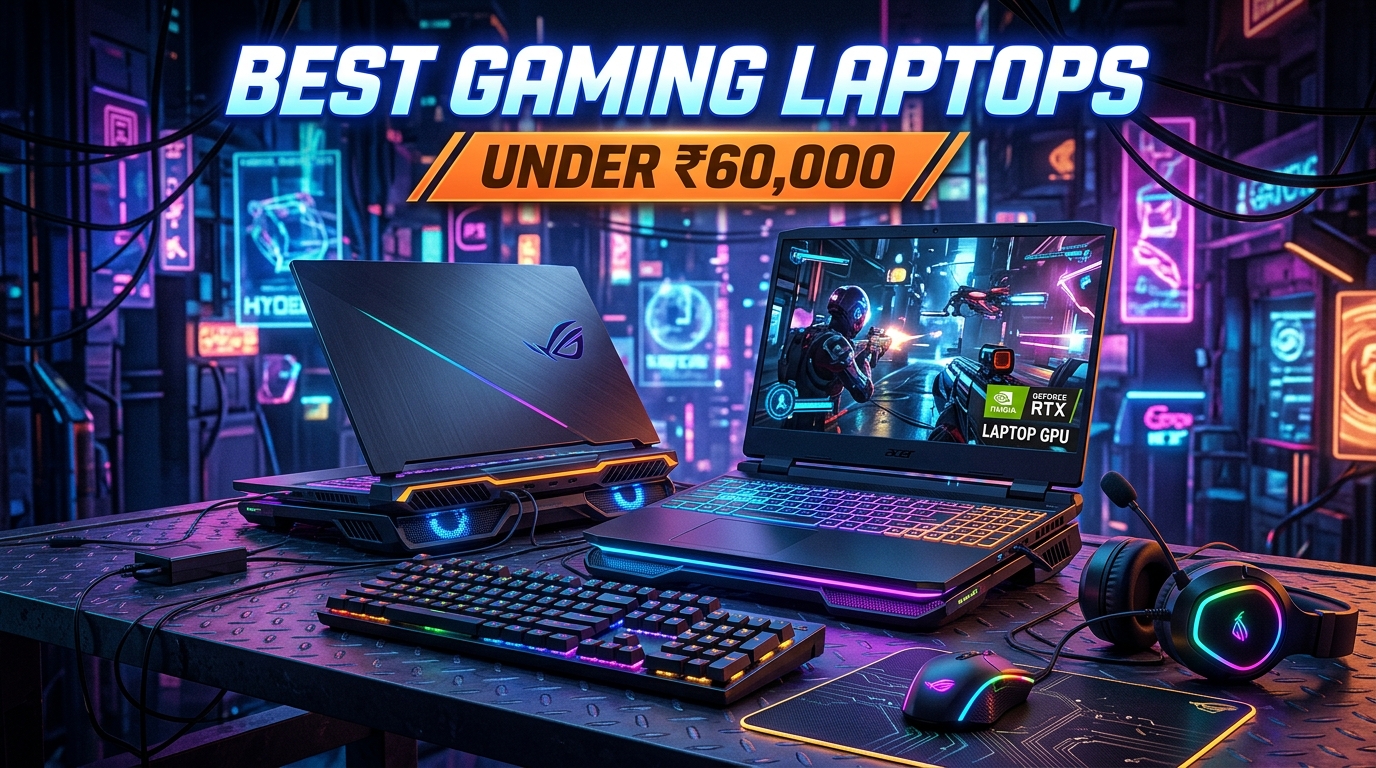
Best Gaming Laptops Under ₹60,000 in India (2026): RTX 3050 & 144Hz Guide
Sep 12, 2026
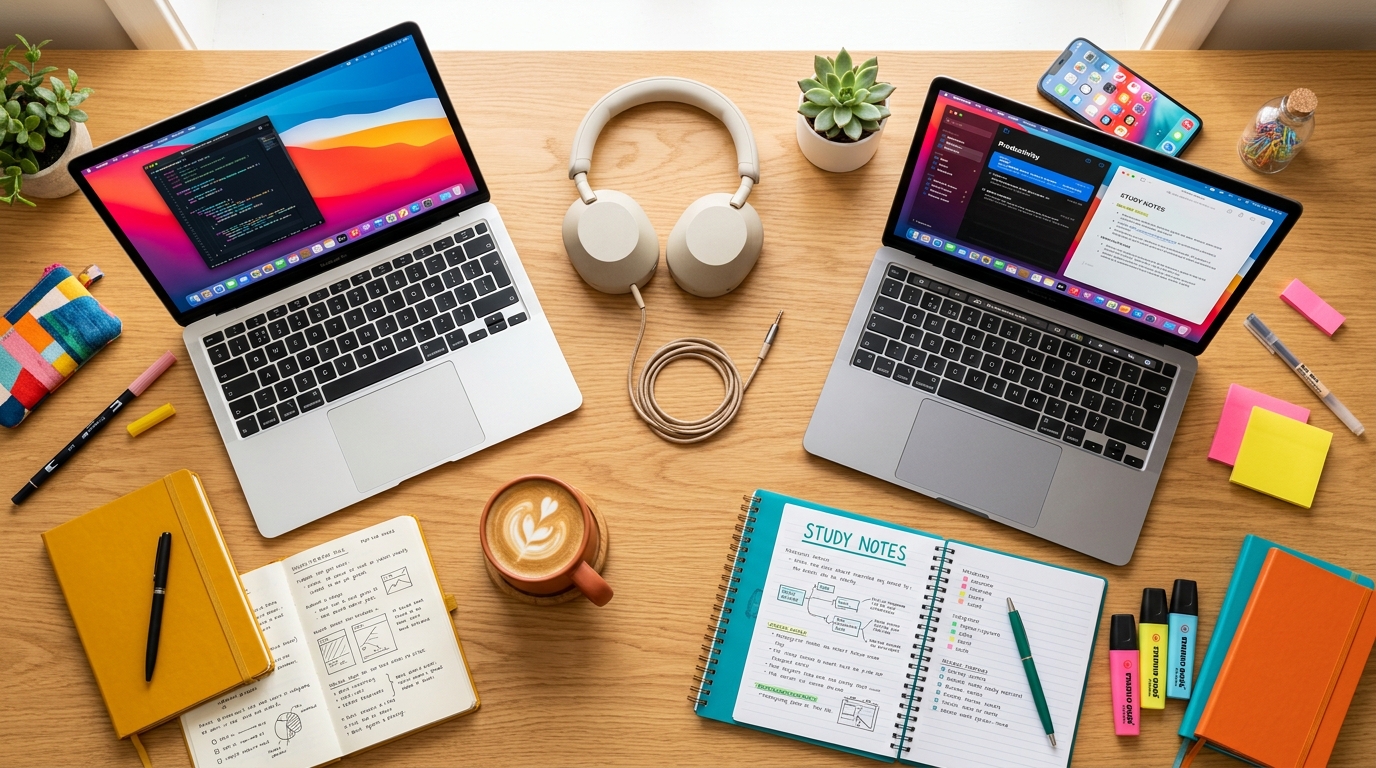
Best Laptops for Students 2026 — Budget Se Premium Tak
Aug 28, 2026
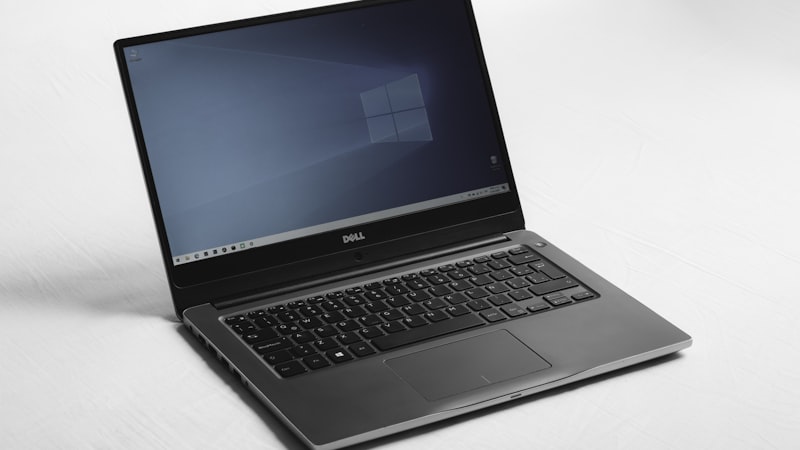
Refurbished Laptops Lene Se Pehle Ye 5 Baatein Zaroor Check Karein (2026 Guide)
Sep 6, 2026
Best 4K Smart TVs Under ₹25,000 in India (2026): 43-Inch Dolby Vision & Google TV
Sep 12, 2026
Best Tablets for Students Under ₹20,000 in India (2026): Notes, Study & Online Classes
Top 5 Free AI Photo Editing Tools (2026): Photoshop Ko Bhool Jao!
Tech Updates Seedha Inbox Mein!
Har hafta latest AI news, coding tips, aur gadget reviews. Get weekly tech updates straight to your inbox.
✅ No spam, sirf quality content. Kabhi bhi unsubscribe kar sakte ho.