Best Laptops for Students 2026 — Budget Se Premium Tak

Aayush Kumar
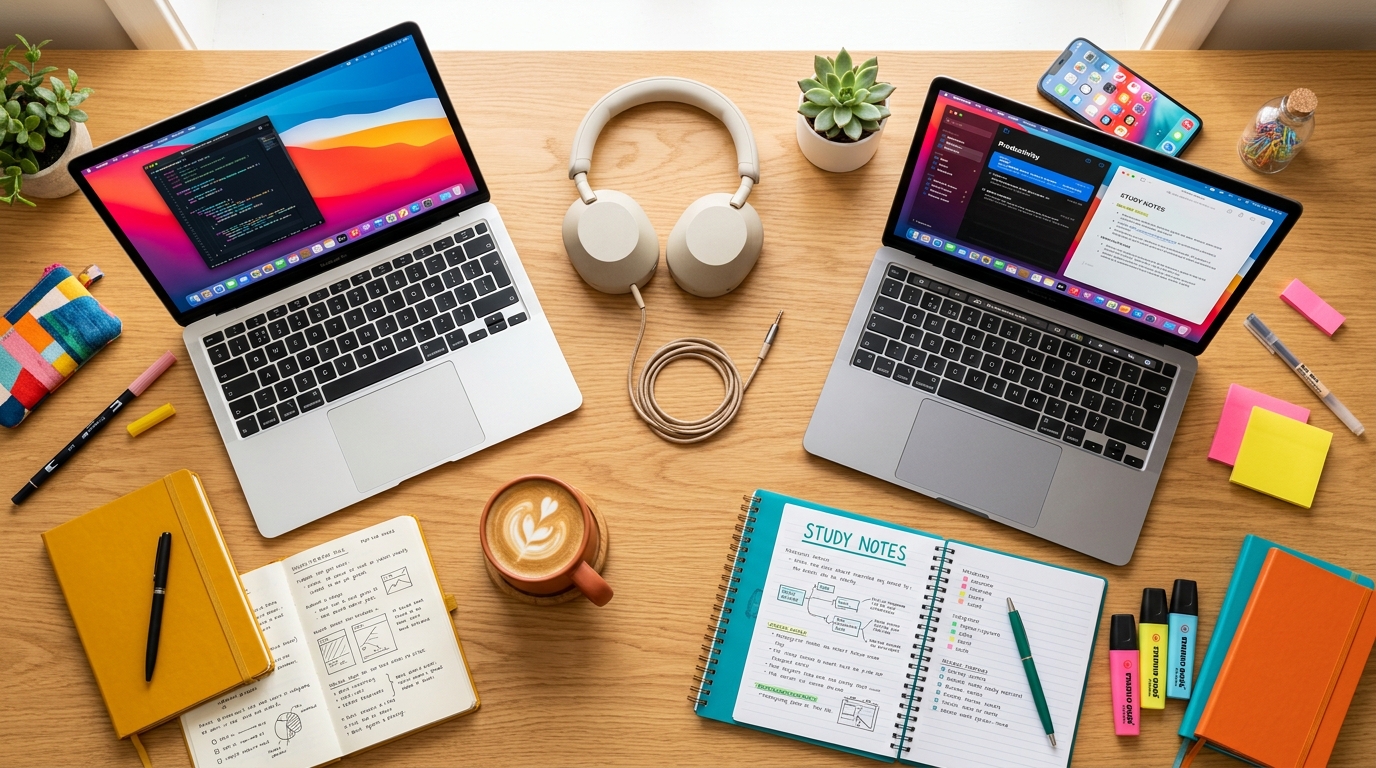
Aaj kal ki padhai sirf kitabon tak seemit nahi reh gayi hai. Ek achha laptop har student ki basic zarurat ban chuka hai. Is article mein, humne budget se lekar premium tak har range ke best laptops cover kiye hain.
Kya Dekhna Chahiye Laptop Mein (Buying Guide)
- Processor: Kam se kam Intel Core i5 (13th Gen) ya AMD Ryzen 5.
- RAM: 2026 mein minimum 16GB RAM honi chahiye.
- Storage: 512GB NVMe SSD compulsory hai.
- Display: Full HD (1080p) IPS panel.
- Battery: Kam se kam 6-8 ghante ka backup.
1. Top Budget Pick: Acer Aspire Lite (Under ₹35,000 | Rating: 4/5)
| Feature | Details |
|---|---|
| Processor | Intel Core i3 (12th Gen) |
| RAM | 8GB DDR4 |
| Storage | 512GB SSD |
| Display | 15.6” FHD |
| Battery | Up to 6 hours |
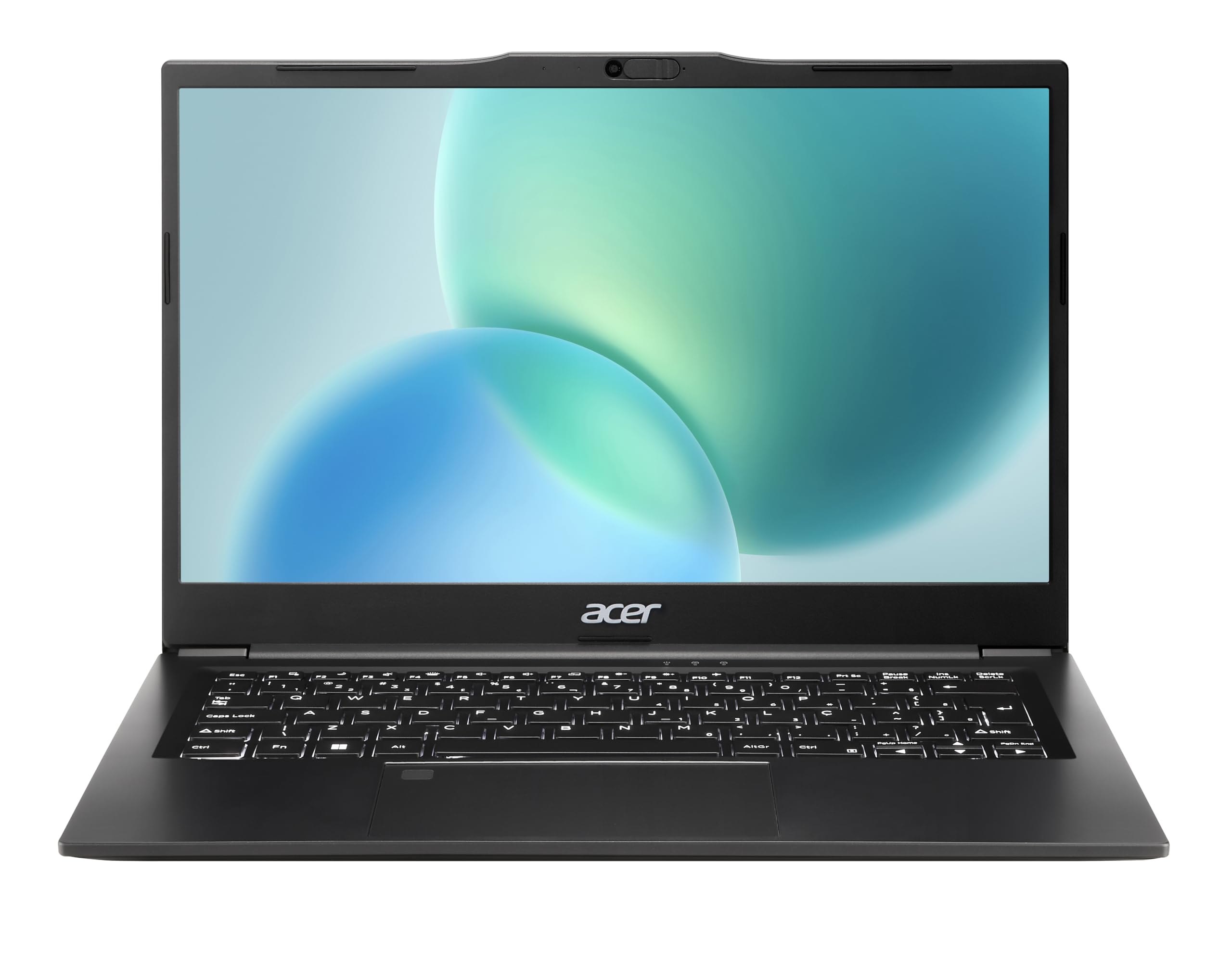
Acer Aspire Lite — Budget Student Laptop
* TechVerse earns an affiliate commission from qualifying purchases through verified partner links.
2. Balanced Performance Pick: HP Pavilion 15 (Under ₹55,000 | Rating: 4.5/5)
| Feature | Details |
|---|---|
| Processor | AMD Ryzen 5 7000 Series |
| RAM | 16GB |
| Storage | 512GB Gen4 SSD |
| Display | 15.6” FHD IPS |
| Battery | Up to 7.5 hours |
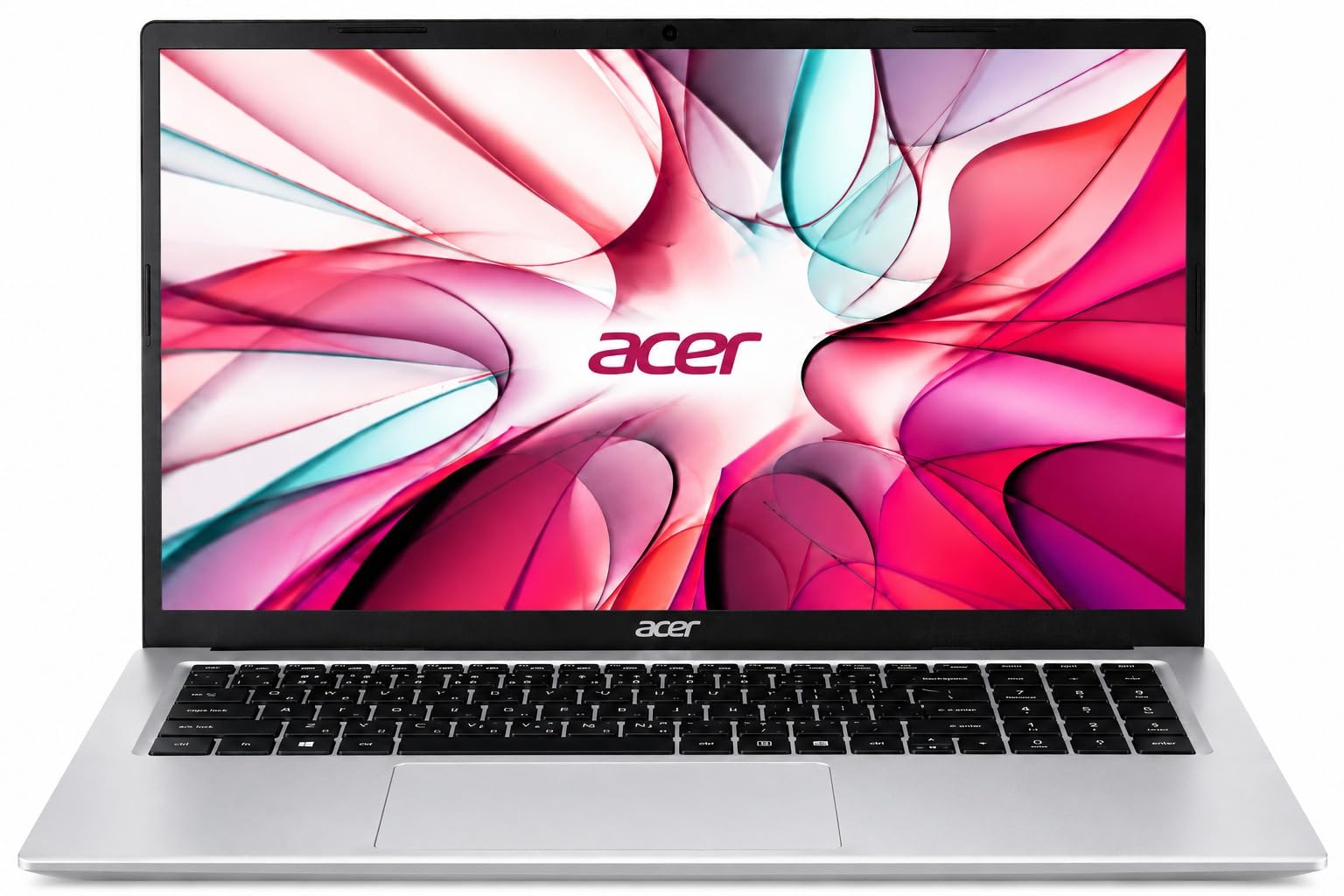
HP Pavilion 15 — Ryzen 5 All-Rounder Laptop
* TechVerse earns an affiliate commission from qualifying purchases through verified partner links.
3. Performance Beast: Lenovo IdeaPad Pro 5 (Under ₹70,000 | Rating: 4.5/5)
| Feature | Details |
|---|---|
| Processor | Intel Core i5 (13th Gen H-Series) |
| RAM | 16GB LPDDR5 |
| Storage | 1TB NVMe SSD |
| Display | 14” 2.2K IPS (120Hz) |
| Battery | Up to 9 hours |
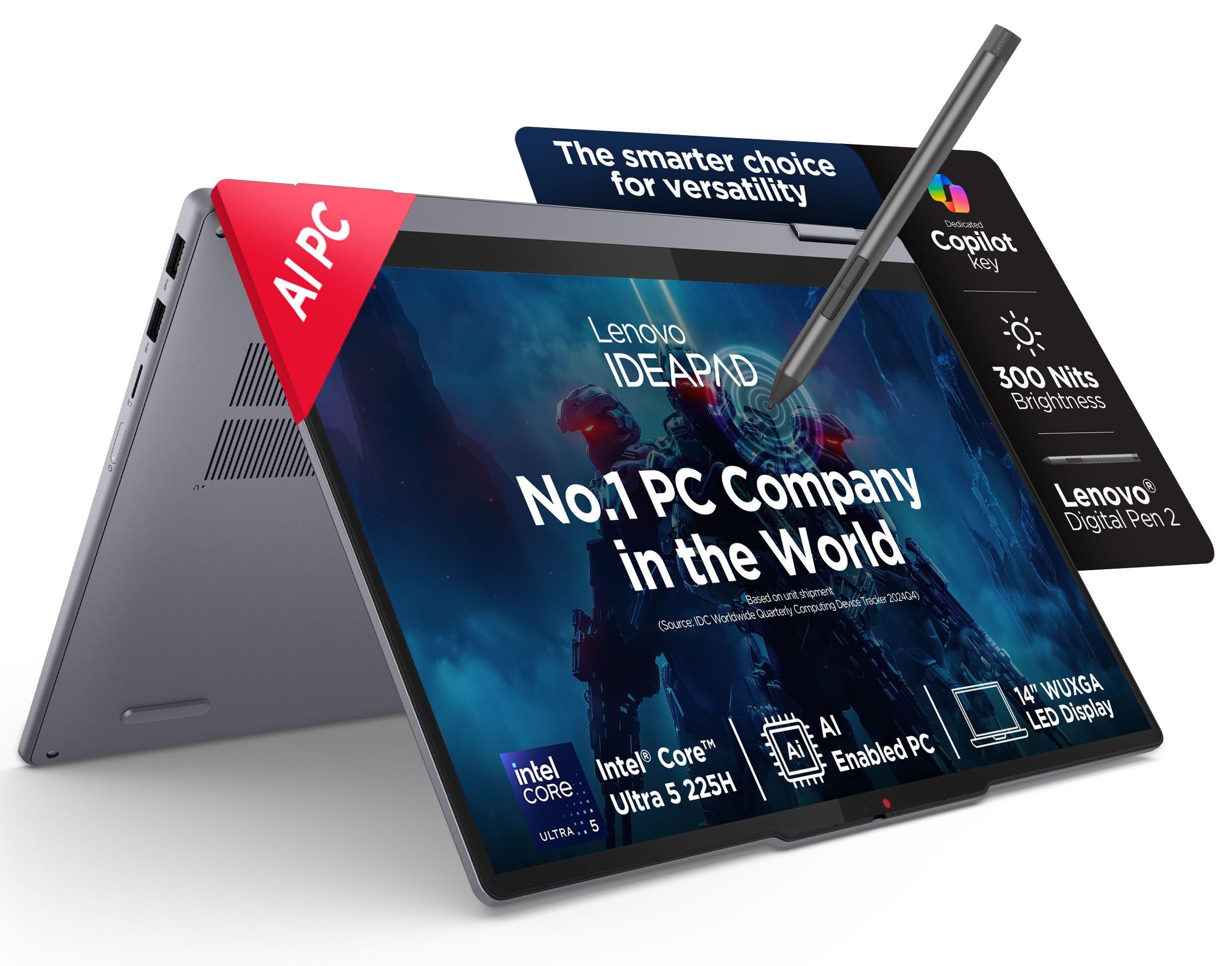
Lenovo IdeaPad Pro 5 — 2.2K 120Hz Laptop
* TechVerse earns an affiliate commission from qualifying purchases through verified partner links.
4. Creative’s Choice: MacBook Air M4 (Under ₹1,00,000 | Rating: 5/5)
| Feature | Details |
|---|---|
| Processor | Apple M4 Chip |
| RAM | 16GB Unified Memory |
| Storage | 512GB SSD |
| Display | 13.6” Liquid Retina |
| Battery | Up to 18 hours |
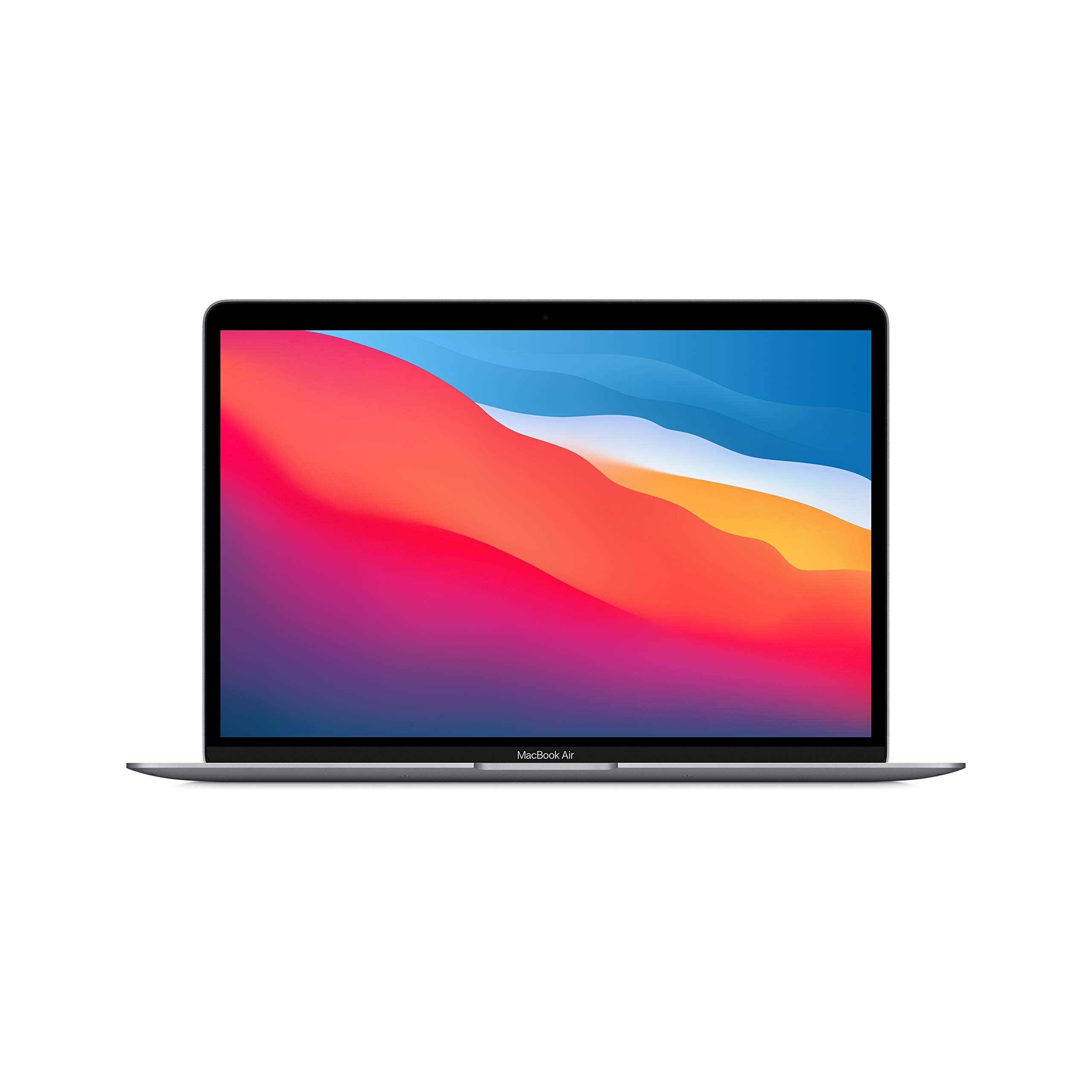
MacBook Air M4 — Best Battery Life Laptop
* TechVerse earns an affiliate commission from qualifying purchases through verified partner links.
5. Premium Pick: Dell XPS 15 (Under ₹1,30,000 | Rating: 4.5/5)
| Feature | Details |
|---|---|
| Processor | Intel Core i7 (14th Gen) |
| RAM | 32GB DDR5 |
| Storage | 1TB Gen4 SSD |
| Display | 15.6” OLED 3.5K Touchscreen |
| Battery | Up to 8 hours |
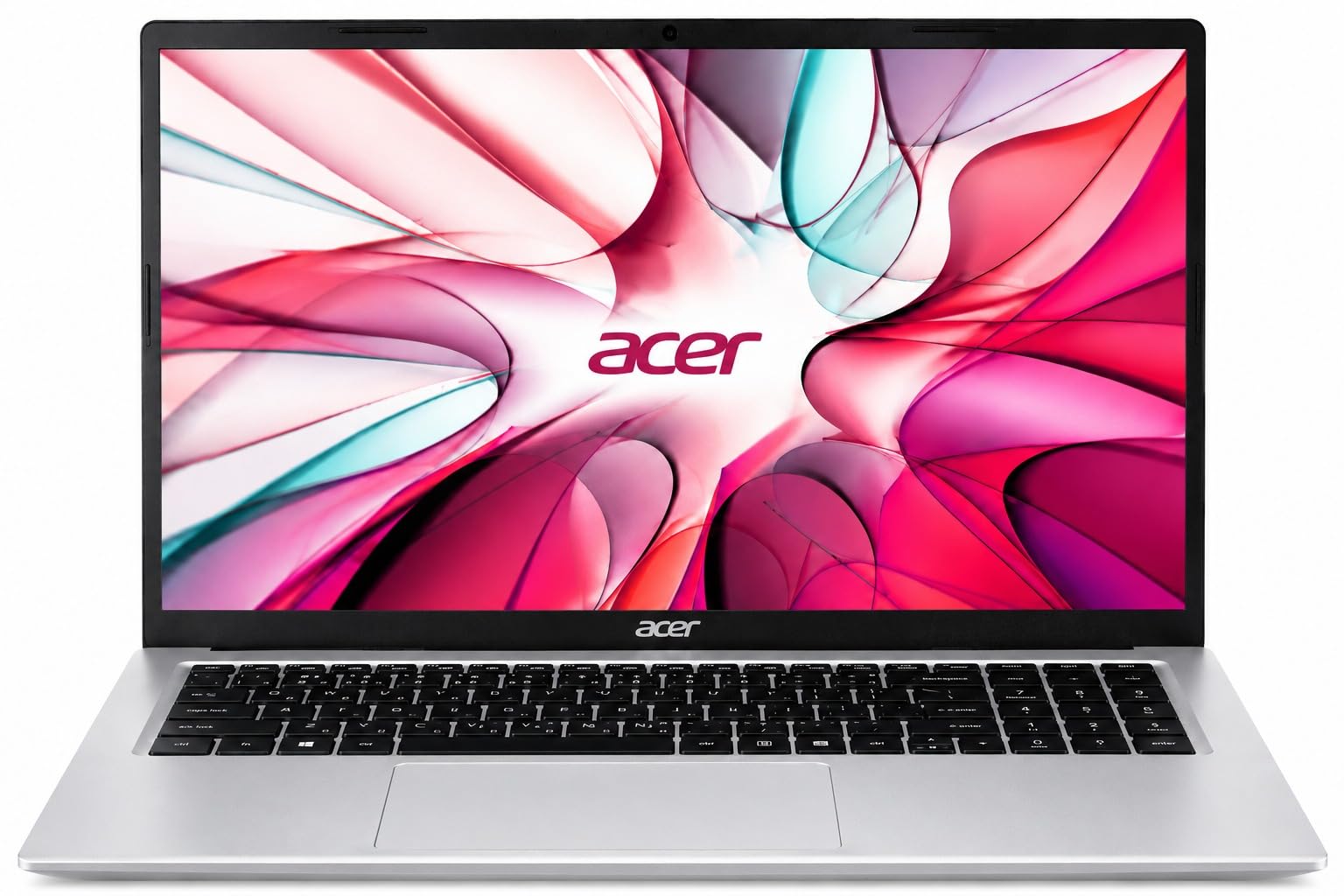
Dell XPS 15 — OLED Premium Windows Laptop
* TechVerse earns an affiliate commission from qualifying purchases through verified partner links.
Quick Comparison
| Laptop | Best For | Price |
|---|---|---|
| Acer Aspire Lite | Tight Budget | ₹35,000 |
| HP Pavilion 15 | All Rounder | ₹55,000 |
| Lenovo IdeaPad Pro 5 | Programmers | ₹70,000 |
| MacBook Air M4 | Creators/Battery | ₹1,00,000 |
| Dell XPS 15 | No Budget Limit | ₹1,30,000 |
Final Verdict
- Budget tight hai: HP Pavilion 15 best choice.
- Coding/Programming: Lenovo IdeaPad Pro 5.
- 4-5 saal ki tension khatam: MacBook Air M4.
Affiliate Disclosure: Is article mein diye gaye links affiliate links hain. Purchase karne par TechVerse ko chhota sa commission milta hai bina kisi extra cost ke.
👉 Ye bhi padho: React vs Next.js — Kya Use Karein?
Student Laptops Buying Checklist: Galat Laptop Lene Se Kaise Bachein?
College students aksar flashy RGB lights ya stylish design dekhkar galat specs wala laptop le lete hain. Khareedne se pehle ye 4 non-negotiable specifications zaroor check karein:
- RAM Must Be Minimum 16GB: 2026 mein Windows 11 aur Chrome browser akele 6GB RAM consume kar lete hain. 8GB RAM wala laptop agle 2 saal mein lag hone lagega. Hamesha 16GB LPDDR5 ya upgradable slot wala model hi lein.
- Display Quality (FHD IPS vs TN Panel): Cheap laptops mein sasta TN panel diya jata hai jisme viewing angles kharab hote hain aur aankhon par strain padta hai. Make sure display IPS level ka ho aur minimum 300 nits brightness ho.
- SSD Storage (NVMe PCIe Gen 4): Traditional mechanical hard drives (HDD) ab outdated hain. Fast boot aur instant app loading ke liye minimum 512GB NVMe SSD hona anivarya hai.
- Battery Life (Minimum 6-8 Hours): Library ya classroom mein charging point milna har waqt possible nahi hota, isliye 50Whr se badi battery aur Type-C PD charging support check karein.
Zaroori Related Articles:
- 📌 Related Guide: Gaming aur heavy coding ke liye hamari Best Gaming Laptops Under 60000 guide padhein.
- 📌 Related Guide: Budget saving ke liye Refurbished Laptops Buying Guide bhi dekhein.
EMI और Student Financing Options
Laptop लेना है लेकिन budget tight है? कोई बात नहीं — आज के time में बिना पूरे पैसे दिए भी अच्छा laptop घर आ सकता है। बस सही options पता होने चाहिए।
No-Cost EMI
Amazon और Flipkart पर ज़्यादातर laptops पर No-Cost EMI मिलती है — 3, 6, या 9 महीने की। इसमें कोई extra interest नहीं लगता, लेकिन ध्यान रखो कि कुछ banks processing fee ज़रूर charge करते हैं (₹99–₹299)। HDFC, SBI, और ICICI credit cards पर generally best EMI deals मिलती हैं।
Student Discount Offers
Apple Education Store पर students को MacBook और iPad पर discount मिलती है — college ID दिखाओ और ₹5,000–₹10,000 तक की छूट पाओ। Microsoft भी Microsoft 365 Education free देता है verified students को।
HP, Dell, और Lenovo सभी की official sites पर “Student Offers” section होता है — वहाँ directly check करो, कभी-कभी retail से सस्ता मिलता है।
Bank Deals
- SBI Student Plus Advantage Card — कम interest rate, education loans के साथ linked
- HDFC Millennia Credit Card — online shopping पर 5% cashback, students के लिए ideal
- Bajaj Finserv EMI Card — कोई credit card नहीं है तो यह use करो, wide acceptance है
Tip: Festival sales (Dussehra, Diwali) में laptop खरीदने से 10–20% extra savings हो सकती हैं — plan करके चलो।
Laptop Insurance क्यों ज़रूरी है
Student हो और laptop गिर जाए, screen crack हो जाए — यह nightmare scenario है। College में laptop की safety का guarantee नहीं होता। Insurance एक small investment है जो बड़े नुकसान से बचाती है।
| Provider | Annual Cost (Approx.) | Accidental Damage | Theft Cover | Claim Process |
|---|---|---|---|---|
| Acko Device Insurance | ₹500–₹1,200 | ✅ Yes | ✅ Yes | ✅ Fast online claim |
| Bajaj Allianz Gadget Insurance | ₹700–₹1,500 | ✅ Yes | ✅ Yes | ⚠️ थोड़ा slow |
| Manufacturer Extended Warranty (HP/Dell) | ₹1,500–₹3,000 | ❌ Manufacturing defects only | ❌ No | ✅ Brand direct support |
| Flipkart/Amazon Protection Plan | ₹800–₹2,000 | ✅ Yes | ❌ No | ⚠️ Platform dependent |
Acko student-friendly है — app से claim होती है, process quick है। अगर laptop ₹40,000+ का है, तो insurance skip मत करो।
Students के लिए Must-Have Free Software
पैसे software पर क्यों खर्च करना जब इतने powerful free options हैं? यह list save कर लो।
Productivity और Office
- LibreOffice — MS Office का free alternative, .docx/.xlsx सब handle करता है
- Notion — Notes, assignments, project planning सब एक जगह। Students के लिए free plan काफी है
- Google Docs/Sheets — Collaboration के लिए best, real-time editing
Coding और Development
- VS Code — सबसे popular code editor, हर language support करता है, free extensions भरपूर हैं
- Python (Anaconda) — Data science students के लिए, Jupyter Notebook भी साथ आती है
- Git + GitHub Student Pack — Free private repos, और साथ में Copilot, Canva Pro, और बहुत कुछ!
Design और Presentation
- Canva — Presentations, posters, infographics — सब कुछ browser में। Canva for Education completely free है
- GIMP — Photoshop alternative, image editing के लिए
Research और Citations
- Zotero — Research papers manage करने के लिए must-have। Bibliography automatically बनाता है — thesis लिखने वालों का जीवन बचाता है!
Battery Life Maximize करने के Tips
Battery drain बहुत ज़्यादा है? Library में charger ढूंढना पड़ता है? इन tips से battery life काफी बेहतर हो सकती है।
Windows Power Plan Settings
Settings → Power & Battery में जाकर “Balanced” या “Battery Saver” mode select करो। “Best Performance” mode on रखना college work के लिए ज़रूरी नहीं — उससे battery 30–40% जल्दी खत्म होती है।
Screen Brightness
Screen brightness battery की सबसे बड़ी दुश्मन है। 60–70% brightness पर काम चलाओ — outdoors में ज़्यादा, indoors में कम। Auto-brightness enable करना और भी smart choice है।
Background Apps बंद करो
Task Manager (Ctrl+Shift+Esc) खोलो और देखो कौन से apps background में battery खा रहे हैं। OneDrive sync, Teams, Discord — ये सब चुपचाप battery drain करते हैं। इन्हें Startup Apps से disable करो।
| Tip | Battery Saving |
|---|---|
| Battery Saver Mode on | ~20–25% longer |
| Brightness 70% पर रखना | ~15% longer |
| Background apps बंद करना | ~10–15% longer |
| Wi-Fi off when not needed | ~5–10% longer |
| Dark Mode enable करना (OLED screens) | ~10% longer |
Bonus Tip: Laptop को 20–80% के बीच charge रखो — 100% पर overnight charging से battery health लंबे time में खराब होती है। Most Windows laptops में अब Battery Care Mode आता है — उसे enable करो।
Ye article kaisa laga? Share karein:
Apne doston ki madad karein useful tech jankari share karke!
TechVerse VIP Community
Har roz nayi tech tips, hidden AI tools aur discount deals ke liye judein!
Aayush Kumar
Aayush Kumar TechVerse ke Founder aur Lead Technical Editor hain. Woh technology, software development, AI tools aur consumer gadgets par research-based content publish karte hain.
Lekhak ka poora profile aur sabhi articles dekhein →Related Posts 🔍
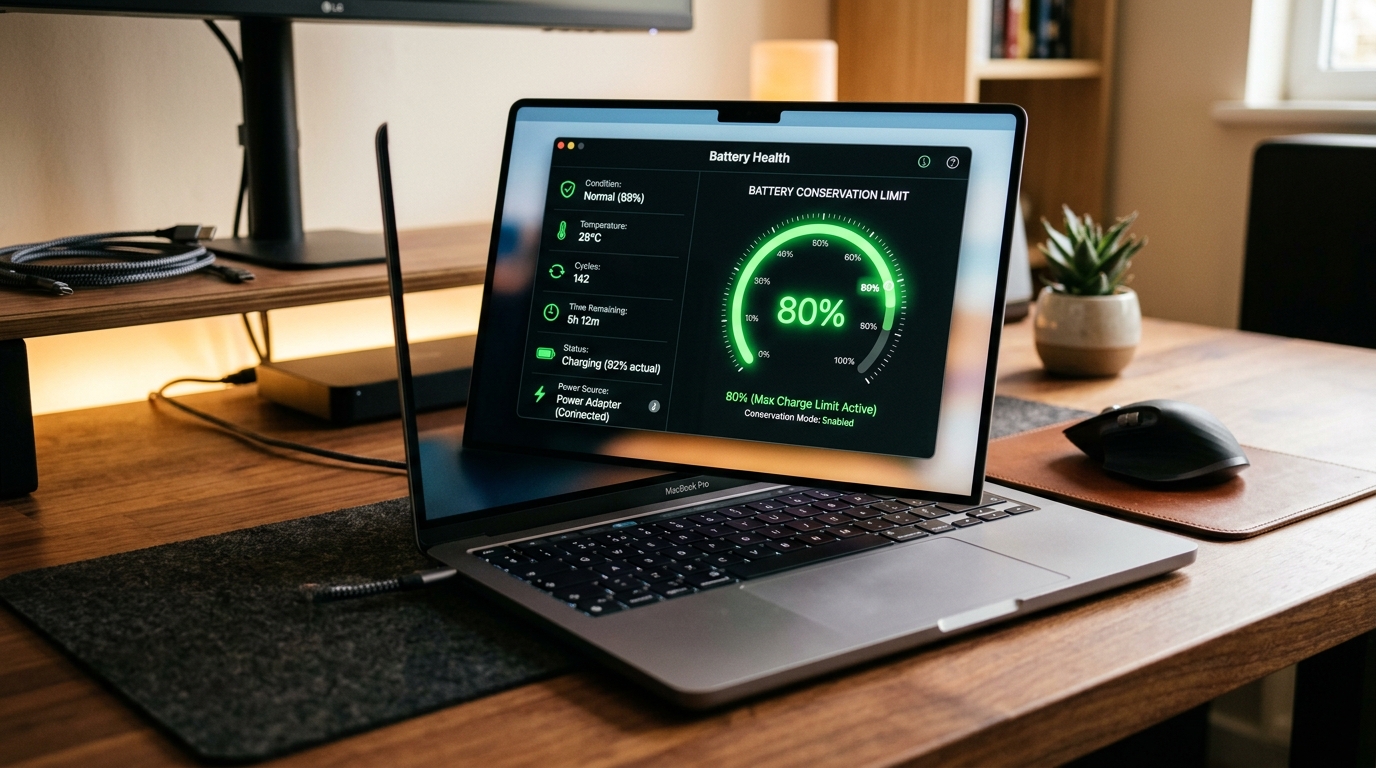
Laptop Battery Health 80% Par Rokne Ka Sahi Tarika: Asus, Lenovo, HP, Dell Guide
Sep 27, 2026
Best Gaming Laptops Under ₹60,000 in India (2026)
Sep 12, 2026
Best Laptops Under ₹40,000 for Students in India (2026)
Sep 11, 2026
₹20,000 Mein Best Tablet Students Ke Liye 2026: Drawing, Notes, OTT Sab Ek Mein!
Sep 11, 2026
Top 10 Free AI Tools Jo Har Student Ko Pata Hone Chahiye (2026)
Google Gemini vs ChatGPT 2026: India Ke Liye Kaun Better? Honest Comparison!
Tech Updates Seedha Inbox Mein!
Har hafta latest AI news, coding tips, aur gadget reviews. Get weekly tech updates straight to your inbox.
✅ No spam, sirf quality content. Kabhi bhi unsubscribe kar sakte ho.